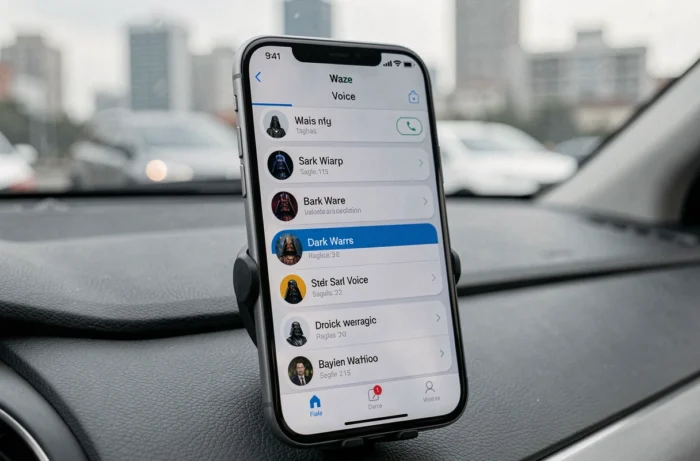
Waze regularly offers character or celebrity voices to replace the default voice guidance. The voice of Darth Vader on Waze is among the most sought after by Star Wars fans. However, between actual availability, limited-time campaigns, and licensing constraints, the situation is not as simple as a three-click tutorial.
Waze Event Voices: Availability and Duration of Campaigns
Before looking for how to activate the voice of Darth Vader, it’s important to understand how Waze manages its special voices. The app operates through limited-time promotional campaigns, tied to licensing agreements with studios or broadcasters.
The Waze-TF1 collaboration around Koh-Lanta All-Stars 2026 illustrates this model well. The experience included a voice, an avatar, and a customized vehicle, all packaged in the app with a defined geographical area and duration. Once the campaign is over, the pack disappears from the catalog.
| Feature | Default Waze Voice | Event Voice (e.g., Star Wars, Koh-Lanta) |
|---|---|---|
| Availability | Permanent | Limited-time |
| Language Options | All supported languages | Often restricted to one or two countries |
| Associated Customization | None | Avatar, vehicle, special sounds |
| User Control | Free activation in settings | Activation possible only during the campaign |
| License | Waze (Google) | Agreement between Waze and the rights holder |
Star Wars voices, including C-3PO and R2-D2, were offered several years ago as part of this type of partnership. These packs are no longer available in the official Waze catalog. This point is rarely mentioned in older tutorials still indexed on the web.
For those who still want to try the manipulation when a special voice is active, a guide to installing Darth Vader on Waze details the step-by-step procedure in the app.
Activating a Custom Voice on Waze: The Procedure in the App
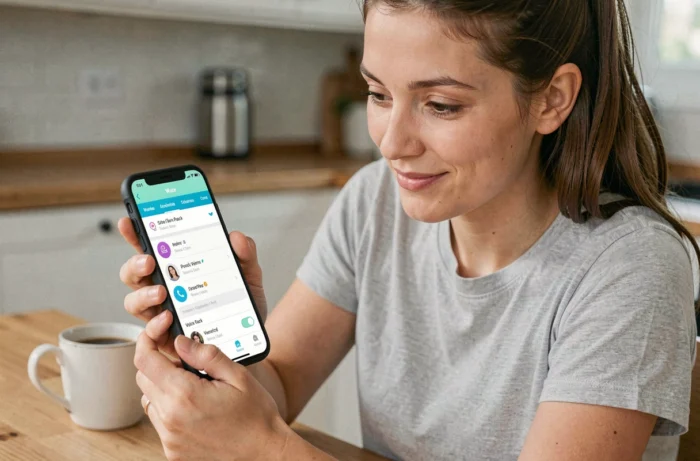
When a special voice is available (active campaign), the manipulation remains the same regardless of the character. Here’s the path in the app:
- Open Waze, then tap on the profile icon in the top left to access the main menu
- Select “Settings,” then “Voice and Sounds,” and finally “Waze Voice” to display the list of available voices
- Browse the list: event voices appear at the top if a campaign is active, with an audio preview accessible via the play icon
- Select the desired voice, which will automatically activate for the next guidance
This path works on both Android and iOS. On Android Auto and CarPlay, the voice selected in the mobile app also applies to in-car guidance, without any additional manipulation.
If the voice of Darth Vader does not appear in the list, it simply means that no Star Wars campaign is active at the time of the search. No hidden settings allow it to be unlocked.
Recreating Darth Vader’s Voice Yourself: Legal Limits
Faced with the unavailability of the official pack, some users consider creating their own voice file mimicking Darth Vader, or retrieving old packs shared online. This approach raises two distinct issues.
Intellectual Property Rights on the Voice
The voice of Darth Vader, performed by James Earl Jones in the original version, is protected by rights held by Lucasfilm (a subsidiary of Disney). Reproducing or distributing a voice pack imitating this character without a license exposes one to potential copyright infringement.
Recent policies regarding artificial intelligence reinforce this framework. Generating a voice imitation through a synthesis tool and distributing it, even for free, can engage the liability of the person sharing it.
Technical Constraints on the Waze Side
Waze no longer allows the importation of custom audio files as it did in its earlier versions. The voice catalog is managed server-side. Older tutorials explaining how to copy files into the app’s directory no longer work on current versions.
In summary, the only reliable method remains to wait for an official Star Wars campaign on Waze, which depends on the commercial agreements between Google (owner of Waze) and Disney.
Voice Alternatives Available Permanently on Waze
In the absence of Darth Vader’s voice, Waze still offers voice customization options accessible at any time.
- Standard voices in various languages and accents, with male or female variations depending on the regions
- Voices of personalities available during occasional campaigns (Denis Brogniart for Koh-Lanta, for example), which sometimes return during new seasons
- Recording one’s own voice directly in the app, via the “Voice and Sounds” menu, to replace instructions with personal recordings
The personal recording option remains the most flexible. It requires reading each navigation instruction one by one, which takes a few minutes. The result completely replaces the guidance voice with one of your choice, without any licensing constraints.
The voice of Darth Vader on Waze remains a topic that resurfaces with each Star Wars release. For now, no official campaign has been announced. Following Waze’s communications on its social media remains the most direct way to not miss a potential return of the Sith Lord in the GPS.