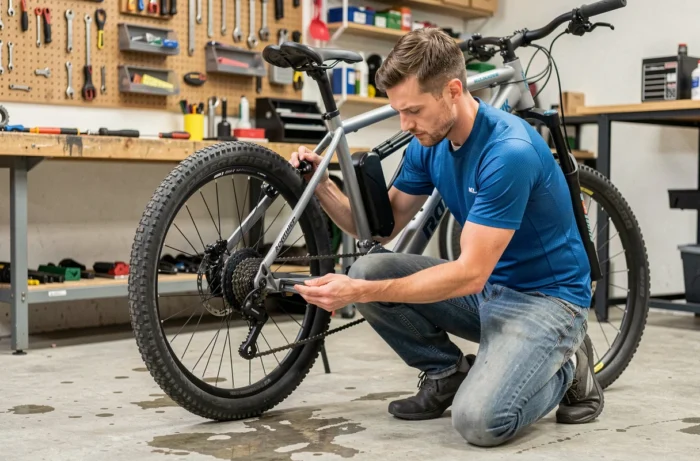
The Rockrider E-ST 100 uses a rear hub motor combined with a controller and a pedal sensor to deliver electric assistance. When any of these components receives an inconsistent signal, the system cuts off assistance, sometimes without displaying an error code. Understanding this signal transmission chain allows for diagnosing most failures without specialized tools.
Loose connection between battery and controller: the most common and least visible failure
On the Rockrider E-ST 100, many assistance cut-offs stem from a loose connection between the battery and the controller, rather than a faulty battery. This distinction is crucial: replacing a battery is expensive, while cleaning a connector takes just a few minutes.
The loose connection typically manifests as a bike that suddenly shuts off and then restarts after a few seconds, or as a loss of assistance during vibrations (cobblestones, rough paths, roots). Repeated shocks eventually create a micro-play in the battery’s fit on its base.
To check, remove the battery and inspect the metal contacts on both sides (battery and frame). Any signs of greenish corrosion or dark deposits indicate poor electrical transfer. A dry cloth and a light wipe on the pins are often enough to restore a solid connection. Then replace the battery, ensuring that the locking mechanism clicks securely.
Among the common issues of the Rockrider E-ST 100, this failure is also the easiest to resolve, provided it is correctly identified before considering component replacement.
Assistance cut-off on degraded terrain or in wet weather: isolate the electrical cause
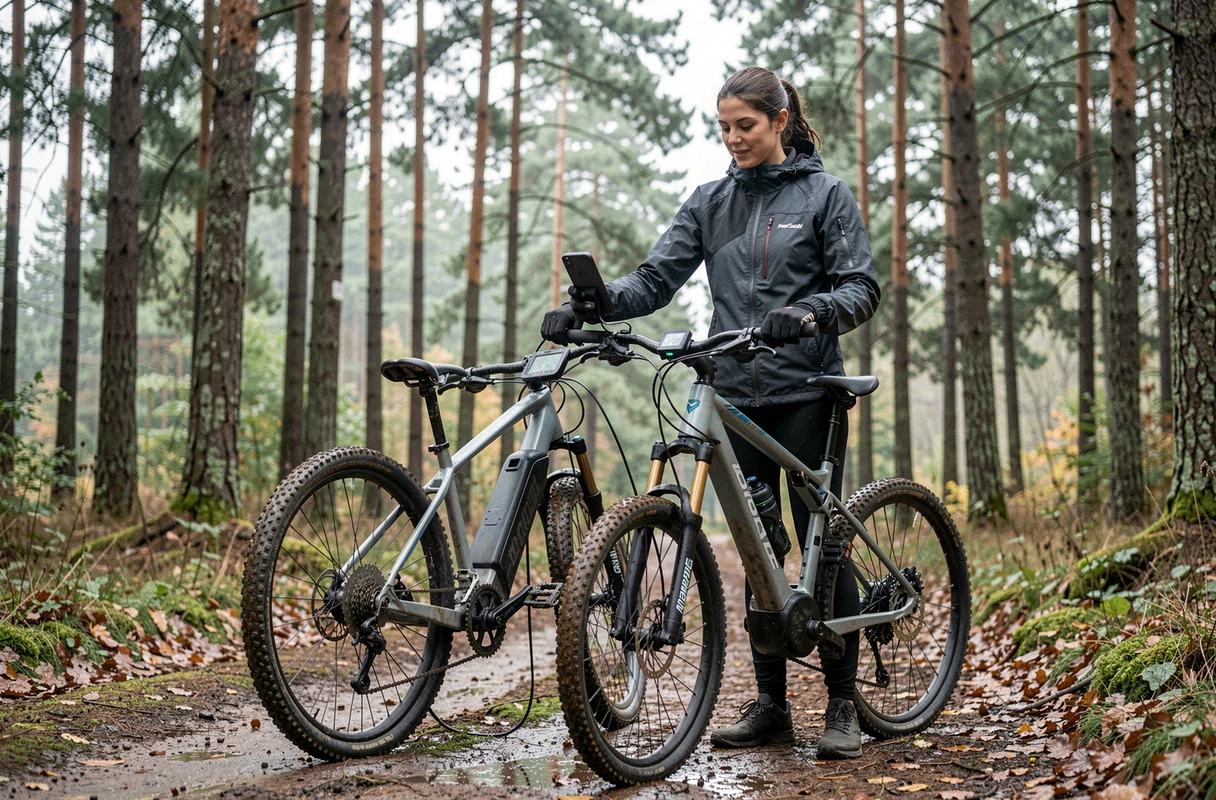
The Rockrider E-ST 100 cuts off more frequently on degraded roads and in wet weather than on dry pavement. This is no coincidence: vibrations and water expose the weak links in the wiring.
Exposed connectors to check first
The wiring of the E-ST 100 runs partly along the frame, with intermediate connectors between the speed sensor, the controller, and the display. Moisture seeps into these connections and causes either a temporary short circuit or gradual corrosion.
Before any intervention, photograph the condition of each visible connector. If an error code appears on the display, note it immediately, as a system restart may erase it. This record facilitates accurate diagnosis, whether you intervene yourself or take it to a Decathlon workshop.
- Ensure that each connector is properly clicked in: a simple misalignment of a millimeter is enough to cut the signal.
- Look for signs of moisture, dried mud, or corrosion on the pins, especially at the speed sensor connector (rear wheel).
- Never pull on the internal cables of the frame: only handle the accessible connectors to avoid worsening the problem.
After cleaning, applying dielectric grease on the pins limits the reappearance of oxidation. This non-conductive grease repels water without disrupting electrical contact.
Triggering conditions to note
If the cut-off occurs consistently after rain, a water jet, a fall, or recent handling of the battery, the cause is almost always related to the wiring or mechanical issues, not electronic. Note these conditions for each incident: a repetitive pattern immediately guides the diagnosis.
Speed sensor and magnet: when assistance refuses to activate
The electric assistance of the E-ST 100 depends on a speed sensor mounted near the rear wheel, facing a small magnet attached to a spoke. If the magnet shifts or if the sensor gets dirty, the controller no longer receives a rotation signal and cuts off assistance for safety.
This problem is distinguished from a battery failure by a specific symptom: the display lights up normally, the battery shows its charge, but assistance does not activate at all when pedaling. No error code appears in most cases.
Check the gap between the magnet and the sensor. The two should be separated by only a few millimeters. Over time, vibrations can shift the magnet along the spoke. Reposition it in front of the sensor and tighten it securely. If the sensor is dirty (mud, metallic dust), a wipe with a damp cloth restores the signal reading.
Display and error codes of the Rockrider E-ST 100: read before acting
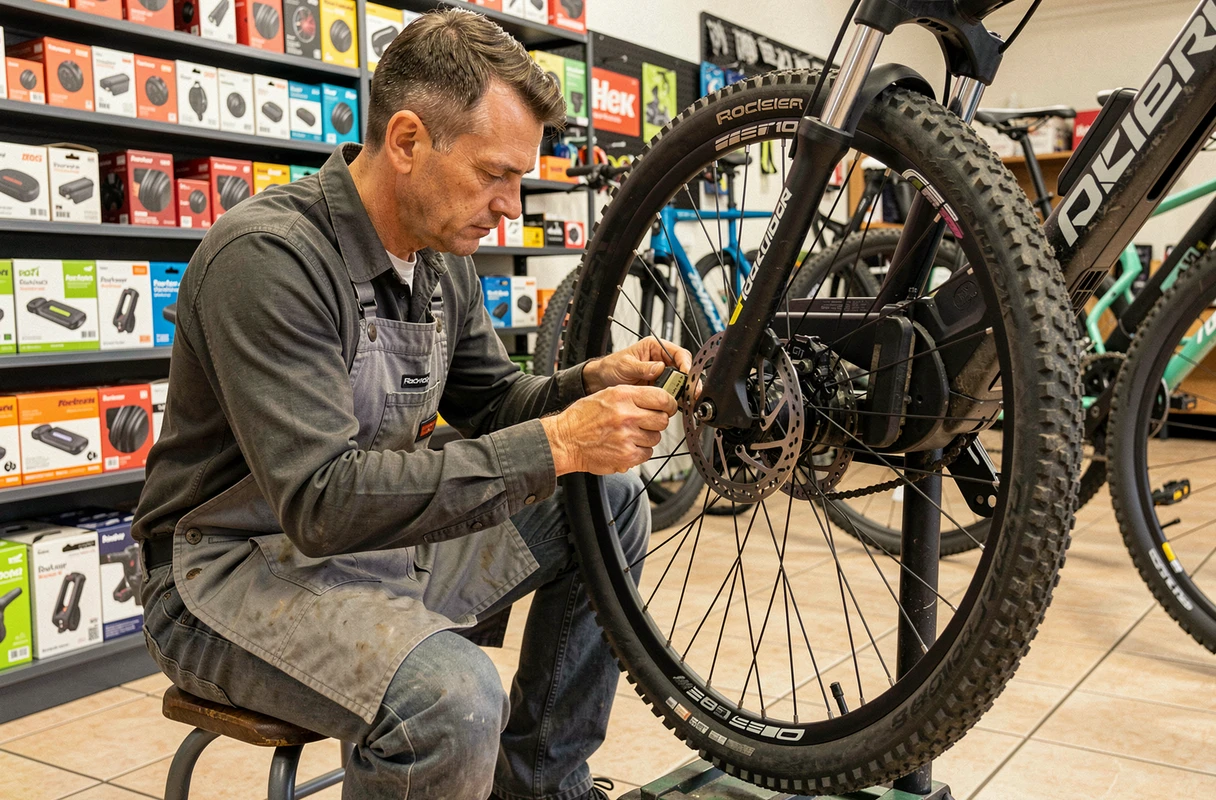
The display of the E-ST 100 sometimes shows error codes that disappear after a restart. Photographing the code before turning off the power is the first reflex to adopt. A one-time code that does not return after a complete cycle (turning off, removing the battery, waiting thirty seconds, reinserting) indicates a transient fault, often related to a loose connection.
A code that reappears every time the system is powered on points to a faulty component (controller, pedal sensor, or damaged wiring). In this case, repair in a workshop becomes relevant, especially since the law requires distributors to offer repairs for this equipment.
Distinguishing a one-time fault from a persistent failure
- One occurrence after a jolt or water exposure: clean the connectors and monitor.
- Recurrence over several rides: have the sensor or controller tested in a workshop.
- Display that no longer lights up at all: first check the power connector between the battery and the display before suspecting the display itself.
Replacing the controller, often blamed in forums, should only occur after eliminating all wiring causes. A genuinely faulty controller causes abnormal vibrations in the motor or reproducible cut-offs under load, even on flat and dry terrain.
Each failure of the Rockrider E-ST 100 tells a story of interrupted signals. Poorly clicked battery, oxidized connector, shifted magnet: most assistance cut-offs can be resolved without replacing parts. The most useful approach remains to document each incident, including conditions and error codes, to avoid searching in the wrong place.